Research Methods
How It Works
Research Methods in UX Design: Understanding and Applying User Research
Stage
1.2
Method
User Research
Objective
Interviews, questionnaires, data analysis to understand needs, pain points, and behaviors

Exercise: Conduct a User Interview and Summarize Findings
Step 1: Define Your Objectives
What do you want to learn?
Examples:
What challenges do users face when shopping online?
How do users currently solve a specific problem?
Create clear research goals:
Understand user preferences for mobile app navigation.
Identify key frustrations in completing an online purchase.
Step 2: Prepare Your Interview Questions
Develop open-ended questions to encourage detailed responses.
Examples:
Can you describe your typical experience using similar apps?
What features do you find most helpful or frustrating?
Avoid leading questions like "Do you agree this is the best way to do X?"
Step 3: Recruit Participants
Choose a sample group that represents your target audience.
Recruiting methods:
Social media outreach.
Email invitations to existing users.
Participant recruitment platforms like UserTesting or Respondent.
Step 4: Conduct the Interview
Set the tone: Begin with a brief introduction to explain the purpose of the interview.
Ask your questions:
Start with general questions to build rapport.
Move to more specific or challenging questions as the session progresses.
Listen actively: Take notes or record the session (with permission).
Step 5: Summarize the Findings
Organize your data:
Review recordings or notes and identify common themes.
Group responses into categories like user goals, pain points, and suggested improvements.
Create a summary document:
Introduction: Objectives and participant demographics.
Findings: Highlight key insights with bullet points or charts.
Recommendations: Suggest actionable steps based on the data.
Step 6: Share and Apply Insights
Present your findings to stakeholders or team members.
Use the insights to inform wireframes, prototypes, or design revisions.
Tips for Success
Empathy is Key: Build a comfortable environment for participants to share their thoughts openly.
Stay Neutral: Avoid influencing responses by showing approval or disapproval.
Be Prepared: Have a clear plan but stay flexible if new topics arise during the interview.
Other projects

Figma
Figma is a cloud-based design tool for digital interfaces.

A/B Testing
AB testing is quantitative research method used to compare two versions of a web page or app interface to determine which one performs better.
Computing Basics
Computing Basics: HTML and CSS Fundamentals

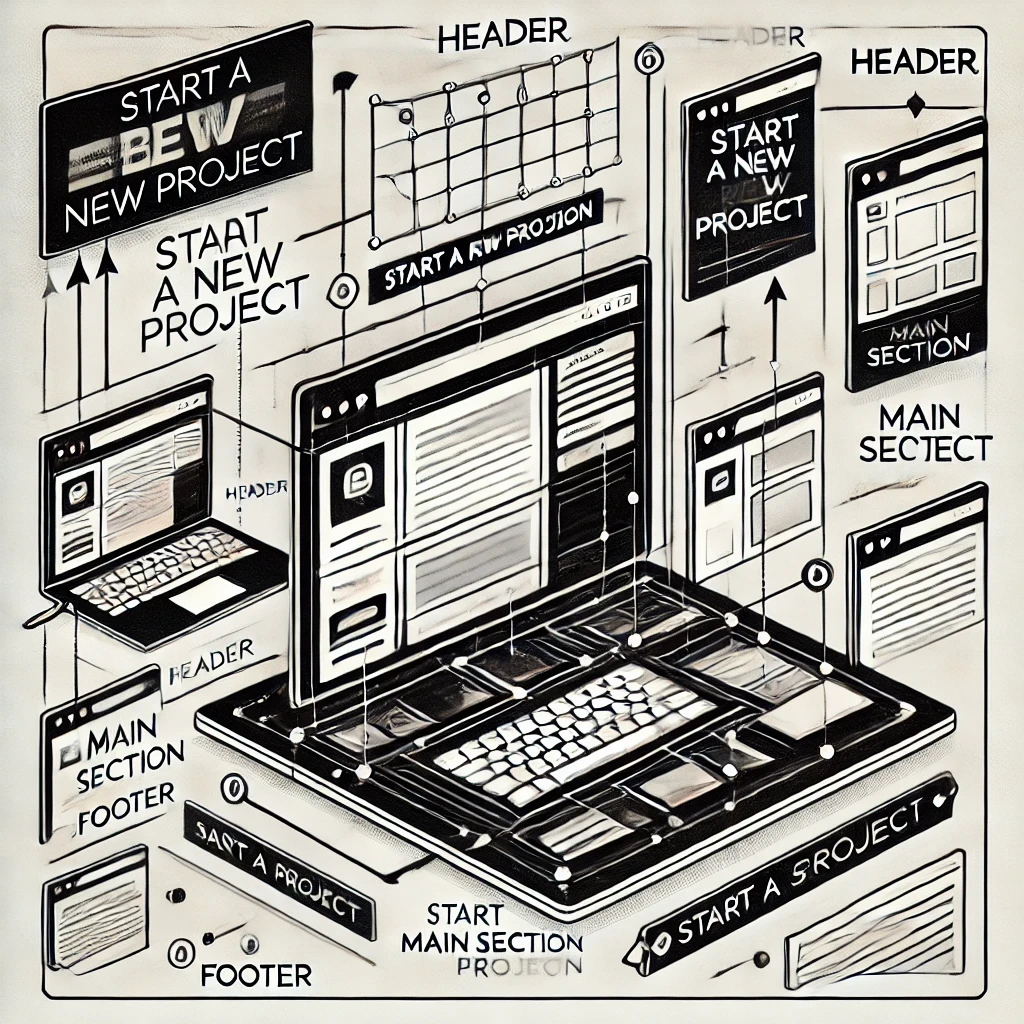
Wireframes
A black & white sketch of a page’s interface

Visual Culture
Visual Culture in UX Design: Understanding and Applying Key Concepts
Prototyping
A sample version of the product which is released to a small number of end-users in order to test and approve the design. After a few versions of the prototype, we can come up with a product for sale.

Mockup
It is an excellent research tool; we can check how users react to the product and update the design accordingly.
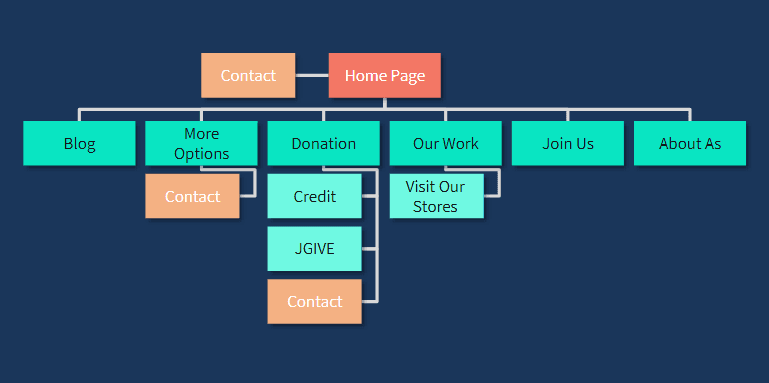
Sitemap
A blueprint of the system. With a Sitemap we can see the whole system at once and understand the flow of the system quickly and easily

Personas
Stay ahead of the curve with the latest UX design trends and tools