Sitemap
How It Works
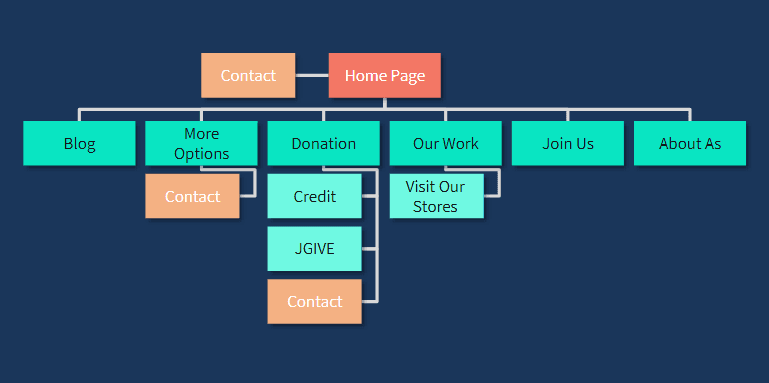
A blueprint of the system. With a Sitemap we can see the whole system at once and understand the flow of the system quickly and easily
Stage
2.3
Method
Definition & Ideation
Objective
Navigation Flows
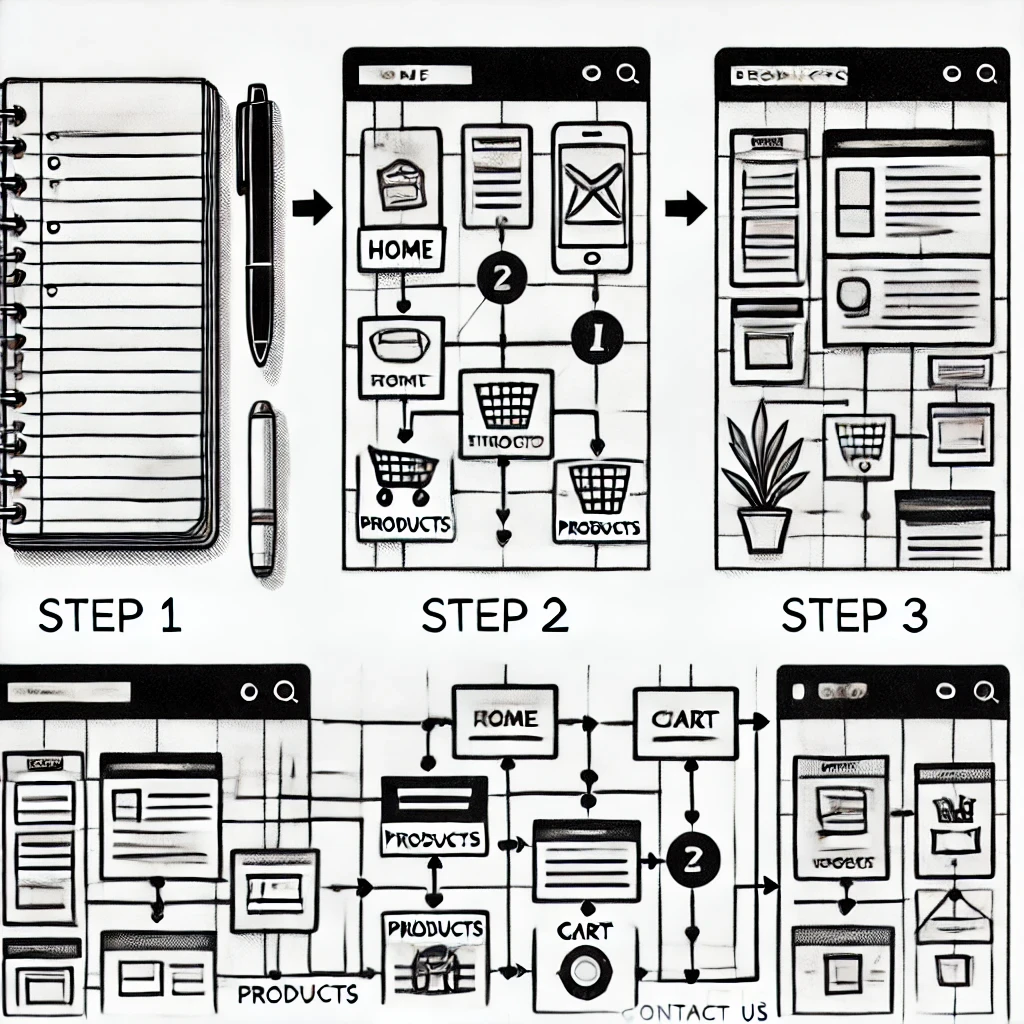
Step 3: Draft a Rough Sitemap
Goal: Create a preliminary version of your sitemap.
Action Points:
Start with the homepage at the top.
Connect main sections below it (e.g., Products, Cart, About Us).
Add subpages to their corresponding parent sections (e.g., Product Categories under Products).
Indicate links or pathways where sections connect directly (e.g., Cart links to Checkout).
Step 4: Digitize the Sitemap
Goal: Create a polished version of your sitemap using design tools.
Recommended Tools:
Figma: Easy drag-and-drop interface for diagramming.
Adobe XD: For creating visual representations.
Webflow or Lucidchart: For more advanced or web-ready sitemaps.
Action Points:
Recreate your rough draft in the chosen tool.
Use boxes for pages and lines for connections.
Apply a clean layout and label each section clearly.
Step 5: Validate and Refine
Goal: Ensure the sitemap meets user needs and business goals.
Action Points:
Review the sitemap with stakeholders (e.g., team members, clients).
Compare with user needs—are all required pages included?
Test for logical flow and usability.
Make adjustments based on feedback.



Other projects
Figma
Figma is a cloud-based design tool for digital interfaces.
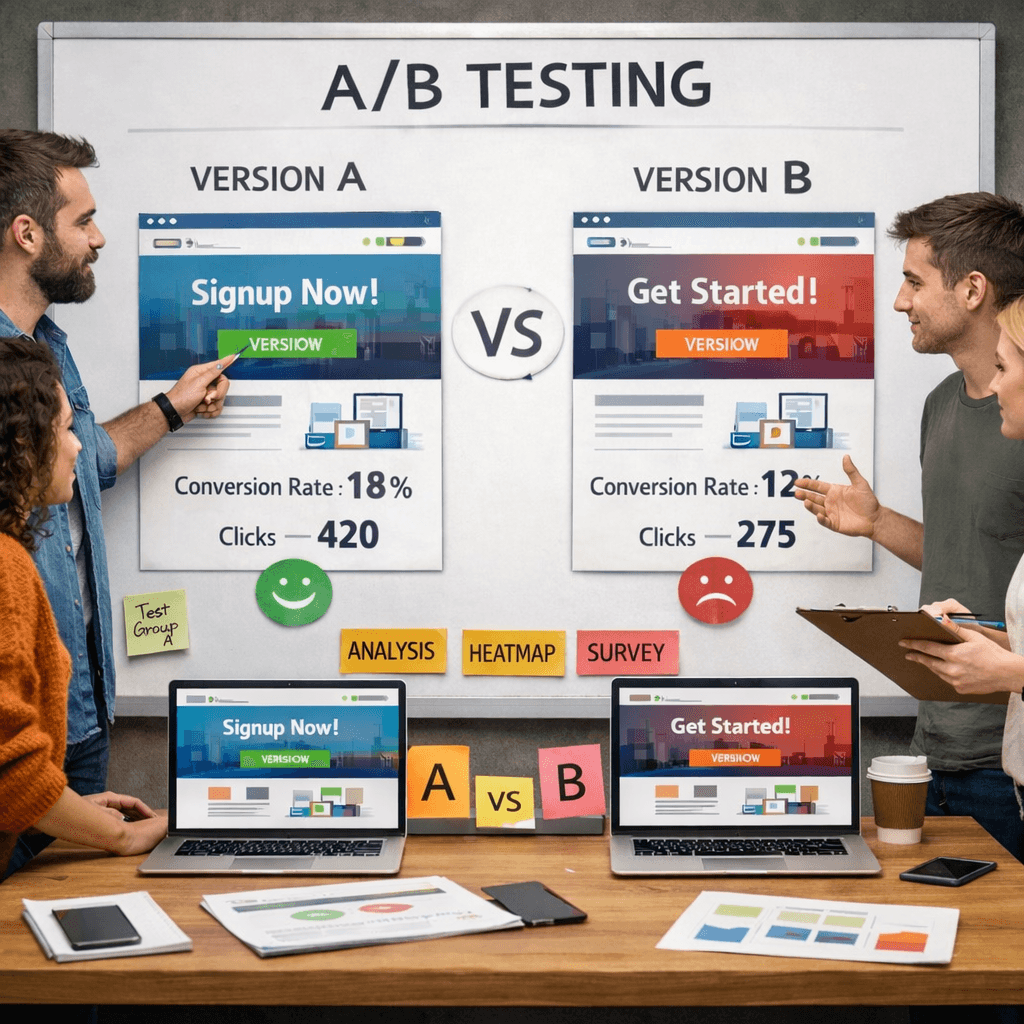
A/B Testing
AB testing is quantitative research method used to compare two versions of a web page or app interface to determine which one performs better.
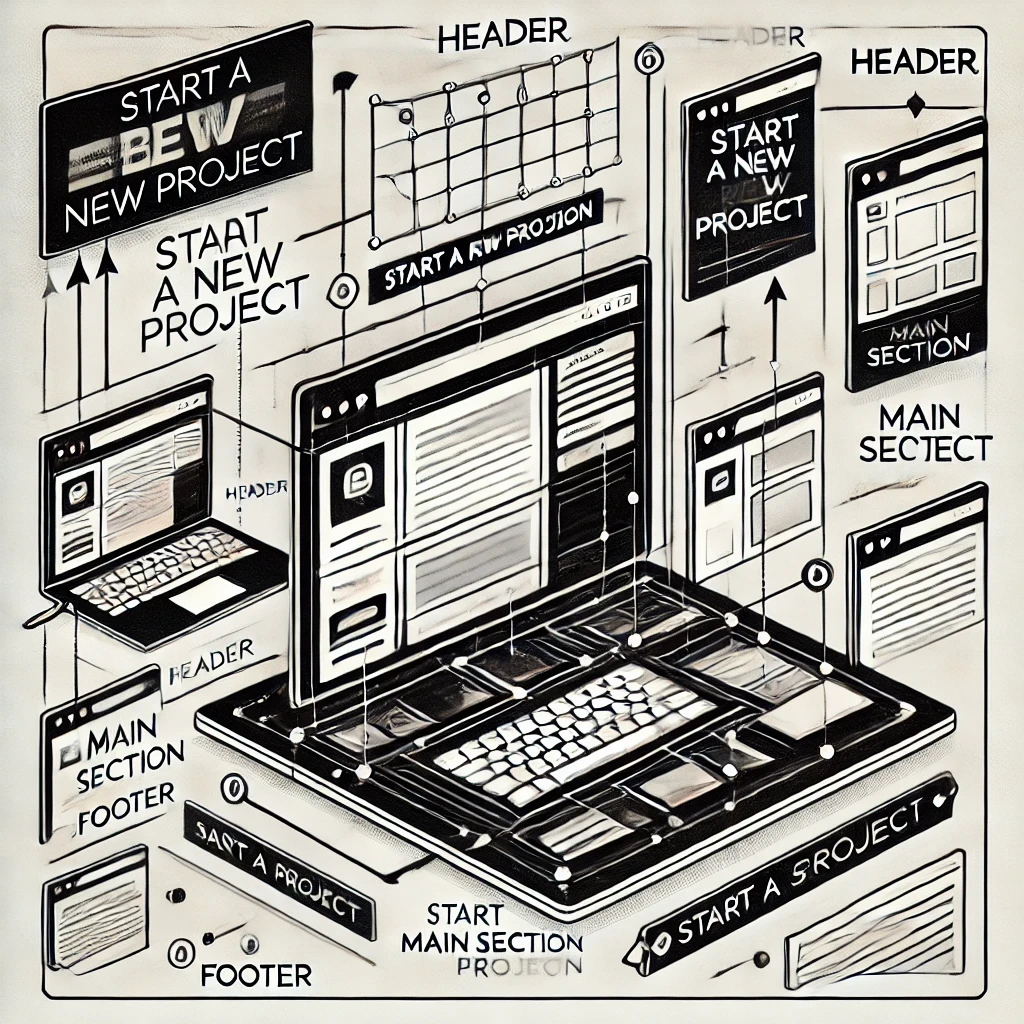
Computing Basics
Computing Basics: HTML and CSS Fundamentals
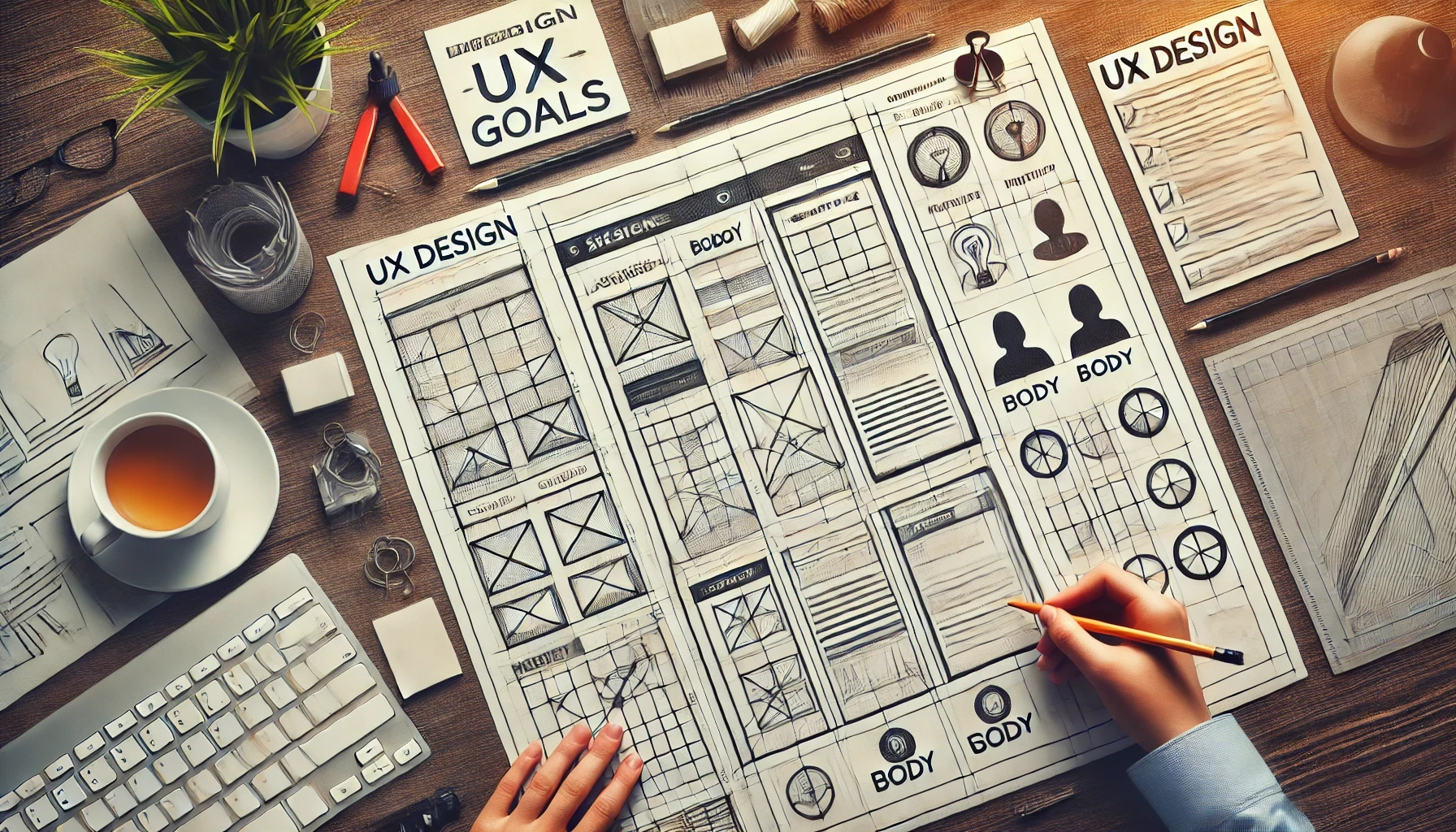
Wireframes
A black & white sketch of a page’s interface
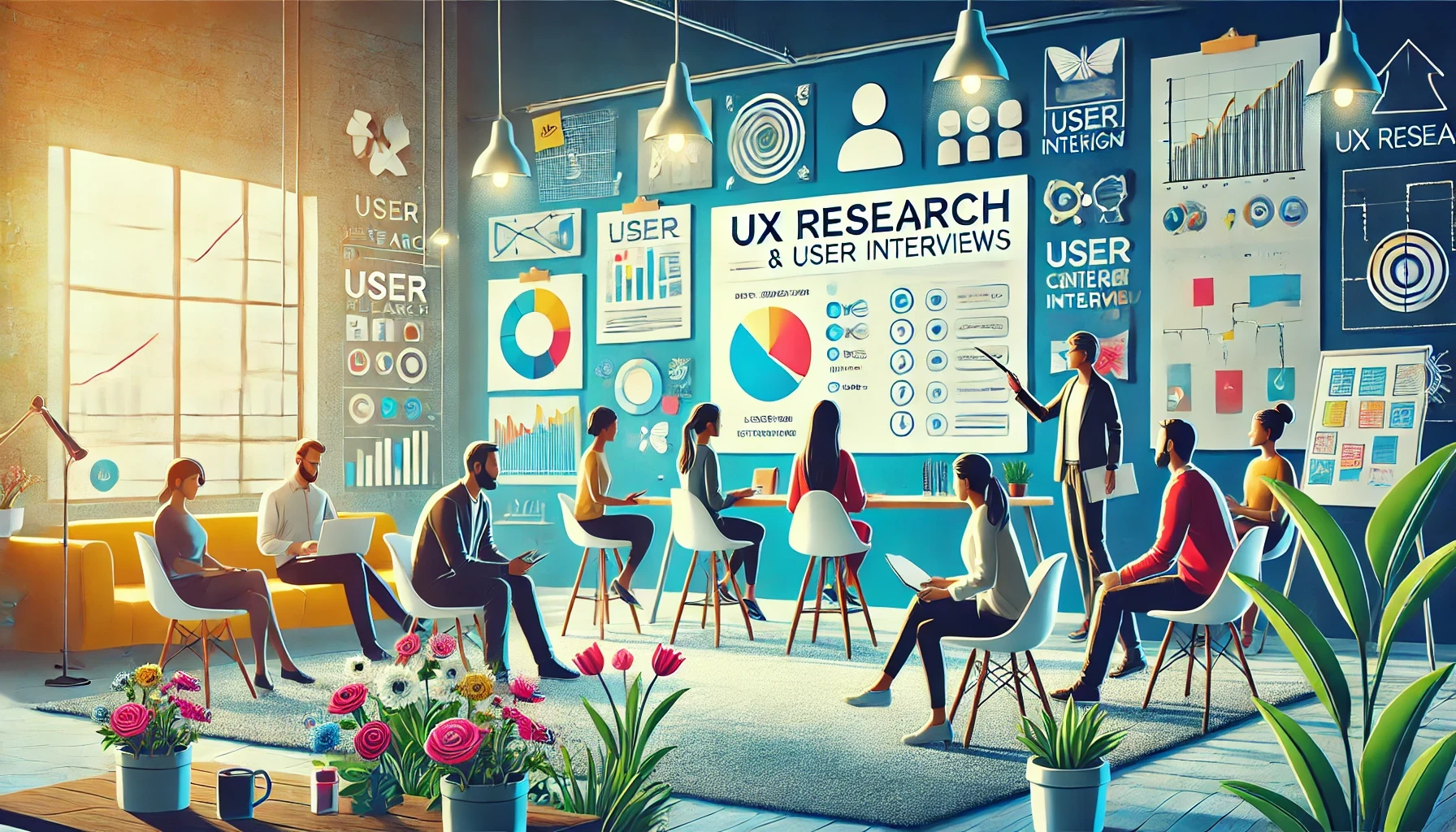
Research Methods
Research Methods in UX Design: Understanding and Applying User Research
Visual Culture
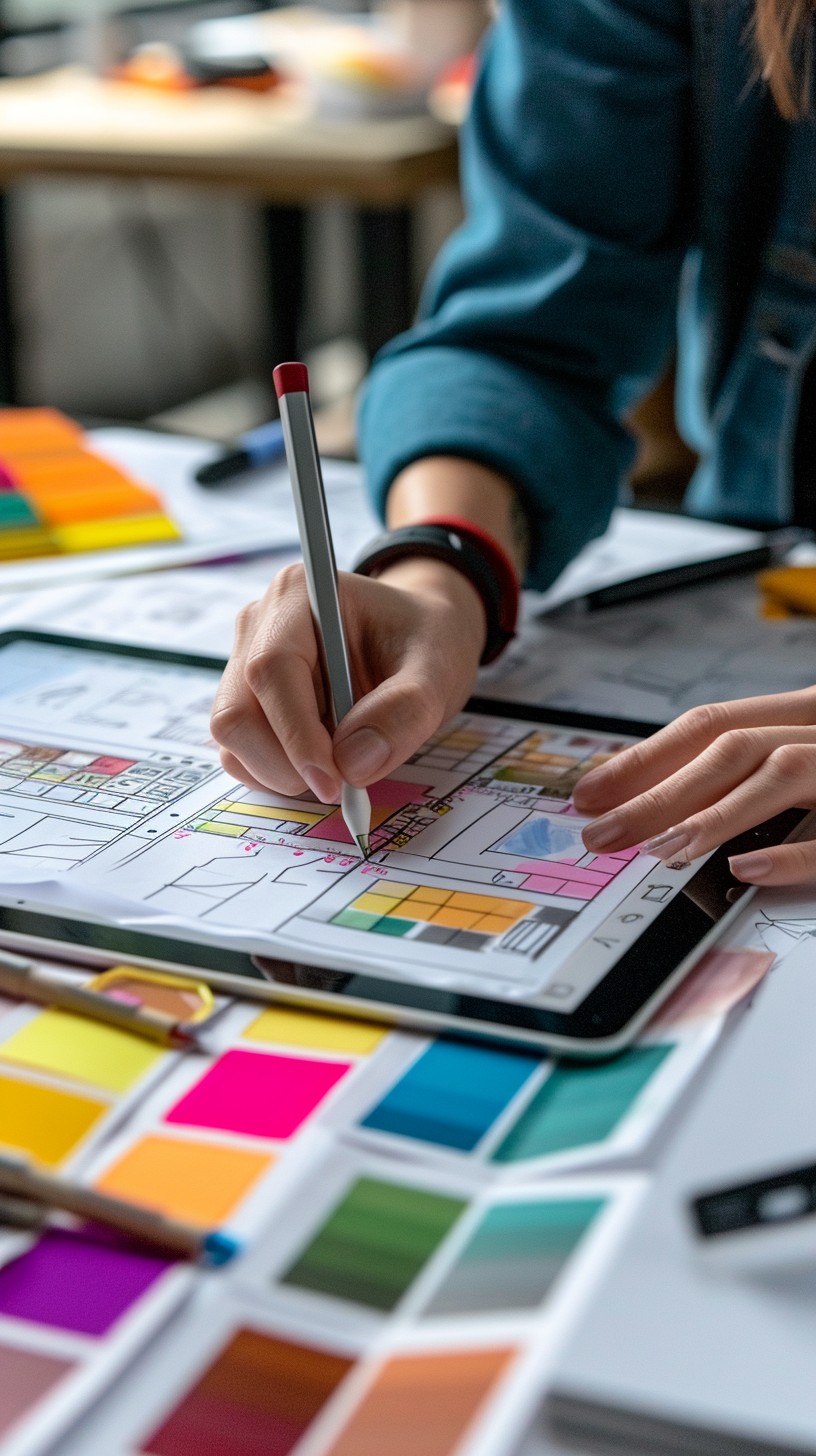
Visual Culture in UX Design: Understanding and Applying Key Concepts
Prototyping
A sample version of the product which is released to a small number of end-users in order to test and approve the design. After a few versions of the prototype, we can come up with a product for sale.
Mockup
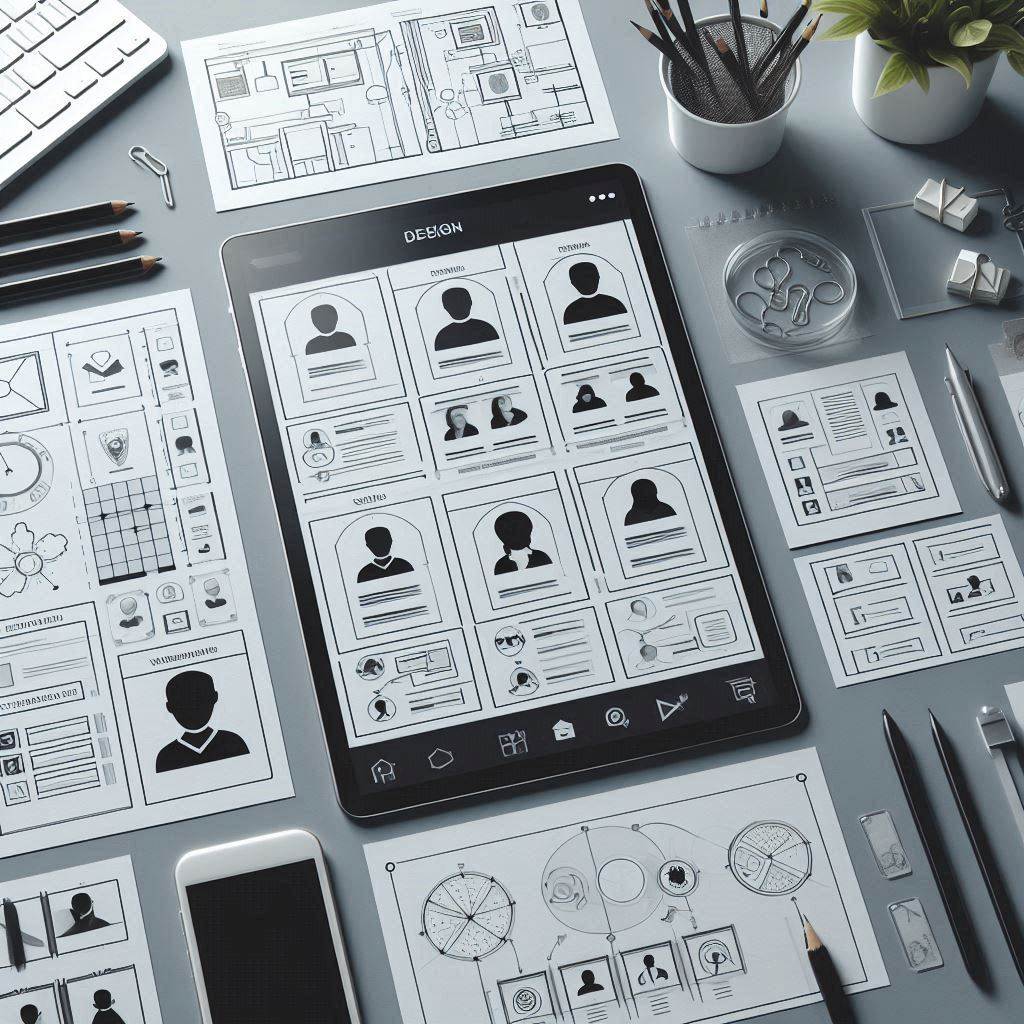
It is an excellent research tool; we can check how users react to the product and update the design accordingly.
Personas
Stay ahead of the curve with the latest UX design trends and tools